
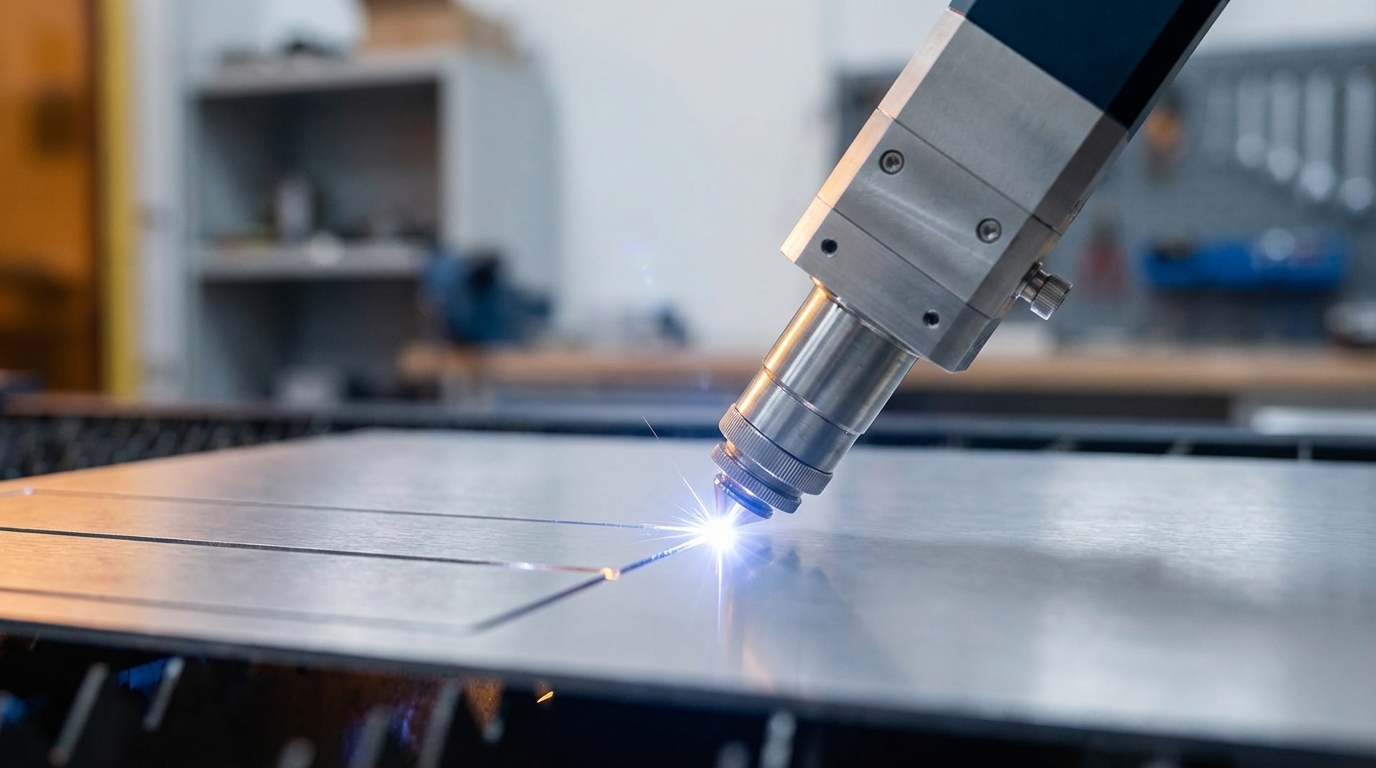
Key Takeaways for Metal Prototyping in 2026
- Desktop fiber lasers handle precise engraving and thin metal cutting up to about 3-5mm aluminum for prototyping. The ComMarker Titan 1 leads with 200W power.
- Top picks include xTool F1 Ultra for value and versatility, ComMarker B6 for speed, OMTech GALVO for budget buyers, and AlgoLaser Pixi for enclosed safety.
- Fiber lasers at 1064nm outperform CO2 and diode lasers on bare metals because metals absorb this wavelength more efficiently and the beam focuses more tightly.
- Desktop systems struggle with stainless steel thicker than 2mm, tolerances tighter than ±0.1mm, and production volumes above roughly 50 parts per month.
- For industrial tolerances and real production scaling, get a Fabcon quote and move to precision metal fabrication services.
1. ComMarker Titan 1: Most Capable Desktop Fiber for Heavy Prototyping
|
Power |
Max Metal Thickness |
Engraving Speed |
Price Range |
|
200W JPT MOPA |
3-5mm aluminum |
15,000 mm/s |
$4,000-$6,000 |
The ComMarker Titan 1 leads professional fiber laser engravers with a 200W JPT MOPA source that delivers serious power in a desktop footprint. This system creates deep 3D textures and can drill through thick aluminum, so it suits complex metal prototyping and demanding engraving work.
Pros: High power output, strong performance on thicker materials, professional-grade engraving and cutting results
Cons: Higher upfront cost, needs proper ventilation, steeper learning curve for dialing in settings
2. xTool F1 Ultra: Best Value and Versatility for Mixed Materials
|
Power |
Max Metal Thickness |
Work Area |
LightBurn Compatible |
|
20W fiber + 20W diode |
0.3mm stainless |
220x220mm |
Yes |
The xTool F1 Ultra features dual laser technology with a 20W fiber laser paired with a 20W diode laser. This setup engraves aluminum, brass, copper, and stainless steel, and it can create color effects on stainless while also removing rust from metal surfaces.
Pros: Dual laser versatility, LightBurn compatibility, attractive color effects on stainless steel
Cons: Slower performance on thicker metals and more demanding cuts
Desktop limits appear quickly once you move into steady production volumes. Fabcon’s precision laser fabrication and DFM engineering scale your prototypes reliably. Get a quote when you need industrial-grade consistency and throughput.
3. ComMarker B6: Fastest Choice for Small Shops and Side Hustles
|
Power |
Max Metal Thickness |
Features |
Price Range |
|
20W-60W JPT MOPA |
1-2mm various metals |
Autofocus, Q-switched |
$2,500-$4,000 |
The ComMarker B6 serves as the best compact fiber laser engraver for small businesses and serious hobbyists who care about speed. It supports 20W to 60W JPT MOPA or Q-switched sources and delivers precise metal engraving with convenient autofocus for quick setup.
Pros: Compact footprint, easy autofocus, flexible power options that scale with your workload
Cons: Higher cost per watt than some competitors, practical use limited to thin metals
4. OMTech GALVO COMPACT 20: Budget-Friendly Entry into Fiber Lasers
|
Power |
Max Metal Thickness |
Software |
Work Area |
|
20W Fiber |
0.5mm stainless |
LightBurn, EZCad |
110x110mm |
The OMTech GALVO COMPACT 20 offers LightBurn compatibility and ships with EZCad software included. It features a flat worktable, digital controls, dual red dot locators, and engraving speeds up to 10,000mm/s, plus a rotary port for cylindrical parts like rings and cups.
Pros: Budget-friendly price point, multiple software options, rotary support for round objects
Cons: Lower power limits cutting thickness, smaller work area restricts part size
5. AlgoLaser Pixi: Safest Enclosed Desktop for Home and Beginners
|
Power |
Wavelength |
Best For |
Safety Features |
|
5W |
450nm diode |
Versatile engraving/cutting |
Fully enclosed |
The AlgoLaser Pixi represents the best enclosed desktop laser for users who prioritize safety and ease of use. Its 5W diode power and fully enclosed housing support engraving and light cutting on many materials, including coated metals, which makes it a strong fit for new users and home workshops.
Pros: Fully enclosed safety design, beginner-friendly controls, compact footprint for tight spaces
Cons: Lower power output, limited ability to cut thicker materials
Fiber vs. CO2 vs. Diode: Choosing the Right Laser for Metal
|
Laser Type |
Wavelength |
Metal Performance |
Best Applications |
|
Fiber |
1064 nm |
Excellent absorption, precise cuts |
Bare metal engraving/cutting |
|
CO2 |
10,600 nm |
Poor on bare metals |
Wood, acrylic, coated metals |
|
Diode |
450-980 nm |
Limited on bare metals |
Coated metals with spray |
Fiber lasers emit a 1064 nm wavelength and excel at precision engraving and cutting of metals because metals absorb this wavelength efficiently compared with CO2 and diode lasers. Fiber lasers also deliver extremely small focal diameters and high beam intensity, which makes them the clear choice for metal prototyping and detailed part marking.
Hard Limits of Desktop Lasers for Metal Cutting
|
Power Range |
Stainless Steel |
Aluminum |
Mild Steel |
|
1.5-20W |
Engraving only |
0.5mm max |
Surface marking |
|
20-50W |
0.5-1mm cutting |
1-2mm cutting |
0.5mm cutting |
|
50W+ |
1-2mm cutting |
2-3mm cutting |
1-2mm cutting |
Desktop laser limitations show up quickly with thicker metals and higher production volumes. Projects that need tolerances tighter than 0.1mm, repeatable accuracy across batches, or regular cutting of materials thicker than 2mm sit outside typical desktop capabilities. Contract manufacturing markets continue strong growth as teams move from desktop prototyping into scalable, outsourced production.
Why Pros Outsource: Desktop Convenience vs Industrial Precision
Desktop laser cutters work well for early prototyping and low-volume runs, yet scalability gaps appear as demand grows. Professional manufacturers need consistent tolerances, higher throughput, and integrated finishing steps that desktop systems cannot match. Fabcon’s 220,000 square foot facility brings laser cutting, CNC machining, powder coating, and electromechanical assembly together in one location, backed by ISO 9001:2015 and AS9100D certifications and more than 45 years of precision metal fabrication experience.
Skip desktop limitations and vendor coordination headaches. Get a fast Fabcon quote for your metal prototypes and tap into integrated DFM support with production-ready scalability.
FAQ: Using Desktop Lasers for Metal Prototyping
Best desktop laser for cutting 1mm stainless steel
The xTool F1 Ultra and ComMarker B6 provide a strong balance of power and precision for cutting 1mm stainless steel. Both machines use 20W or higher fiber lasers that deliver enough power density for clean cuts in thin stainless. The ComMarker B6 offers higher power options up to 60W, which supports faster cutting speeds and smoother edges.
LightBurn setup tips for metal cutting
LightBurn support depends on the manufacturer, and the xTool F1 Ultra and OMTech GALVO COMPACT 20 offer native compatibility. Key setup steps include dialing in power for each material thickness, adjusting speed to balance cut quality and cycle time, and setting the correct focus height. Start with the manufacturer’s recommended profiles, then refine settings through test cuts and favor several lighter passes instead of a single high-power pass.
Signs you should move from desktop to professional fabrication
Professional fabrication makes sense when monthly volumes pass about 50 parts, tolerances need ±0.05mm precision, or material thickness often exceeds 2mm. It also becomes attractive when you require integrated finishing such as powder coating, hardware installation, or assembly. Desktop lasers remain ideal for prototypes and small batches but cannot maintain the consistency and throughput that scaled production demands.
How Fabcon costs compare with owning a desktop laser
Desktop laser ownership includes equipment costs between roughly $2,000 and $6,000, plus maintenance, consumables, operator time, and scrap from inconsistent quality. Fabcon’s integrated services remove equipment overhead and deliver professional tolerances with faster turnaround through vertical integration. Pricing becomes especially cost-effective once you reach production volumes above about 25 to 50 parts per month.
Top metal-cutting desktop lasers in 2026
The ComMarker Titan 1 leads for thicker materials with its 200W power. The xTool F1 Ultra offers strong value with dual-laser flexibility. The ComMarker B6 delivers compact professional performance for small shops. The OMTech GALVO COMPACT 20 provides capable metal marking on a budget. The AlgoLaser Pixi focuses on safety and ease of use for beginners. These systems rely on fiber or fiber-focused technology tuned for metal applications.
Final Thoughts: Start with Desktop Lasers, Grow with Fabcon
The strongest desktop laser cutters for precise metal prototyping in 2026 rely on fiber technology with at least 20W of power and solid safety features. You should weigh LightBurn compatibility, work area size, and realistic thickness limits against the parts you plan to build.
For most users, the smart path starts with a 20W or higher fiber laser, an enclosed or semi-enclosed design for safety, and a clear plan to outsource once volumes pass 50 parts per month or tolerances tighten to ±0.05mm.
When you are ready for reliable metal prototyping that scales with your business, partner with Fabcon’s integrated fabrication, finishing, and assembly services. Get a quote today and move to professional-grade precision with faster time-to-market.